Specialty Interaction log

ED’s have to interact with multiple specialties in a day – referrals, advice, review etc Internal Professional Standards define how teams should work together, which teams take what cases and expected response times. 

Interactions can be positive or negative.

Example:

“Gynae Reg came to help in dept and saw 3 patients directly – thanks”

“Neurosurgery junior refused patient in line with admission policy, had to inform their Consultant”
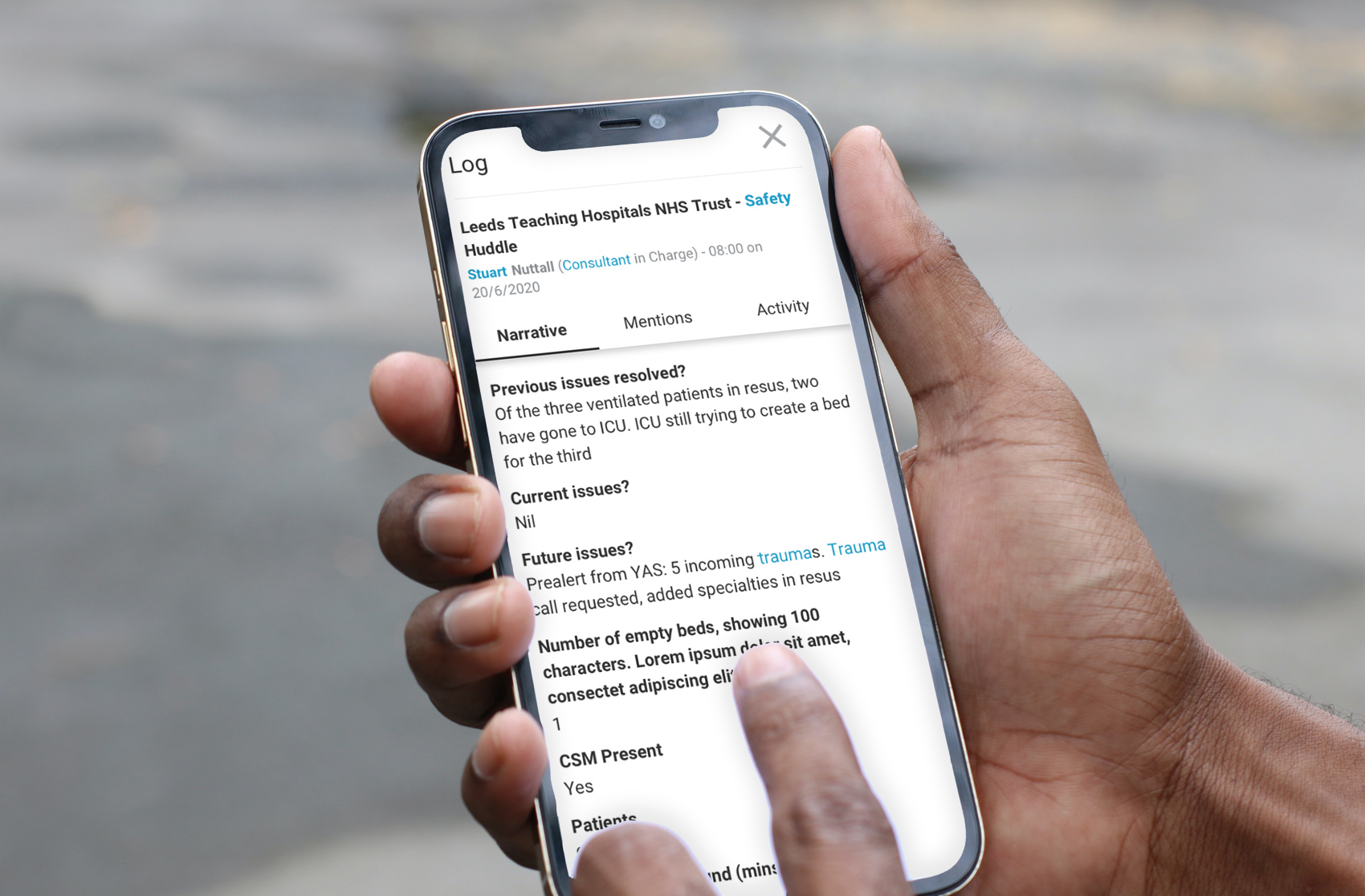
iphone in hand

Using the CEMBooks Specialty interaction log has allowed us to collate feedback on obstructive behaviours from our admitting teams to feedback directly to the COO and the CBU’s involved.

ED Clinical Director

Key Problems:

  • Ability to monitor engagement & behaviours related to Internal Professional Standards.
  • Working in Silo’s
  • Lack of alignment and feedback between acute care Teams.

How CEMBooks Features solve these issues

Fully Customisable

Fully customisable

  • Specify the data you want to collect
  • Identify the specialties involved
  • Clarity on the issue and outcome
Searchable

Searchable

  • Search by date or term e.g. specialty – orthopaedics
  • Creates an organisation with a memory
  • Fully exportable in .csv (excel format)
Tagging

Tag

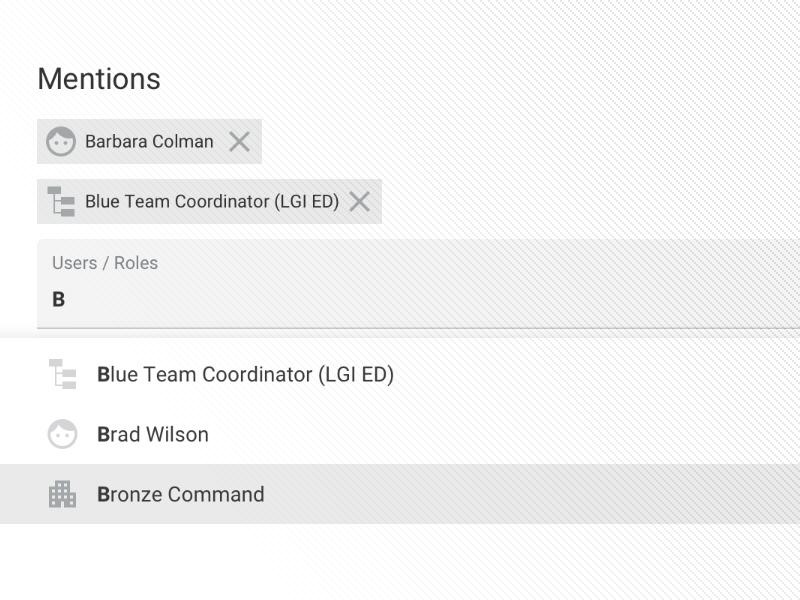
  • Mention clinical leaders or specialty liaison roles.
  • Direct in app notification

Further reading

ECIST Internal Professional Standards resources

Want to know more about how CEMBooks could help you?

Get a comprehensive demo from our CEMBooks experts or ask us a question.

Get in touch

Key points

  • Keep a copy of your Internal Professional Standards document in your CEMBooks Resources section for ease of reference.
  • Using Specialty interaction logs on CEMBooks turns this from daily hearsay into searchable collatable events.
  • These are then used to assess success of IOS or identify specialty teams or individuals who don’t adhere to these guidelines.